
Pexels Photos
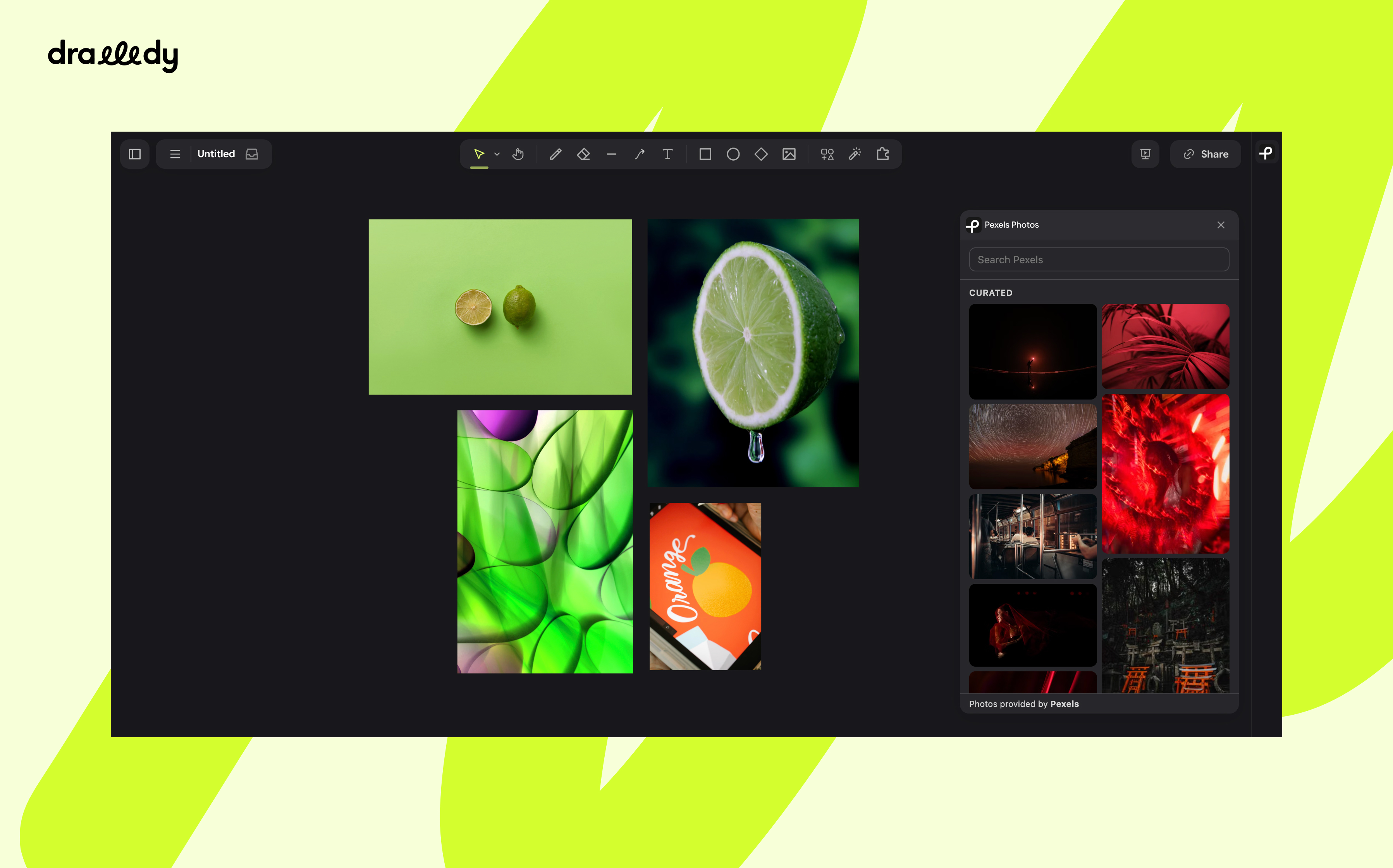
Search Pexels' free stock photos and drag them onto the canvas to build mood boards.
Drawdy0
Pexels Photos for Drawdy
Browse Pexels' free stock photos from a side panel and drag them straight onto your Drawdy board.
Install
Install drawdy-pexels.drawdyx in Drawdy. The Pexels icon appears at the top
right of the board. Drawdy will ask for two permissions: dom for the panel
and scene for placing photos.
How to use
- Open the panel. Click the Pexels icon. It opens with Pexels' curated photos already loaded.
- Find a photo. Type in the search box. Results update as you type, and scrolling to the bottom loads more.
- Put it on the board. Drag a photo onto the canvas. A dashed outline shows where it will land. Or click a photo to drop it in the centre of your view.
Placed photos are normal images you can move, resize and arrange. Each one keeps the photographer's name and Pexels link attached for credit.
| You do | What happens |
|---|---|
| Leave the search box empty | Shows Pexels' curated photos |
Esc in the search box | Clears the search |
| Hover a photo | Shows the photographer's name |
| Drag a photo onto the canvas | Places it where you release |
| Drag a photo and let go inside the panel | Cancels the drop |
| Click a photo | Places it at the centre of the view |
If a search fails, press Retry. If you see Allow Pexels Photos to edit
the canvas, grant the scene permission in Drawdy's extension settings.
Credits
Photos provided by Pexels.