HTML
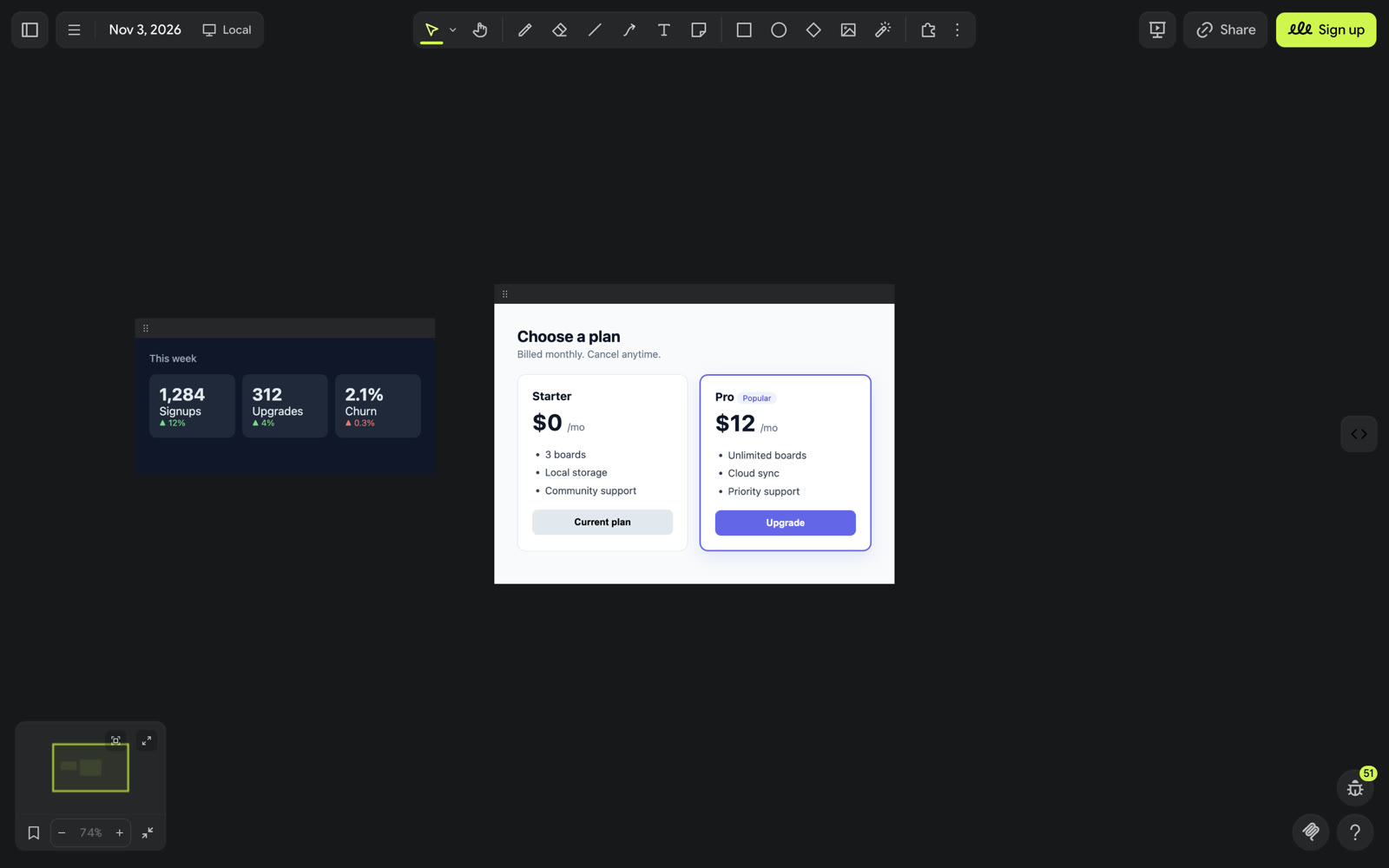
Place HTML + CSS wireframes on the board as live HTML.

HTML — Drawdy extension
Put HTML + CSS wireframes on your board as live HTML, not redrawn shapes.
How to use
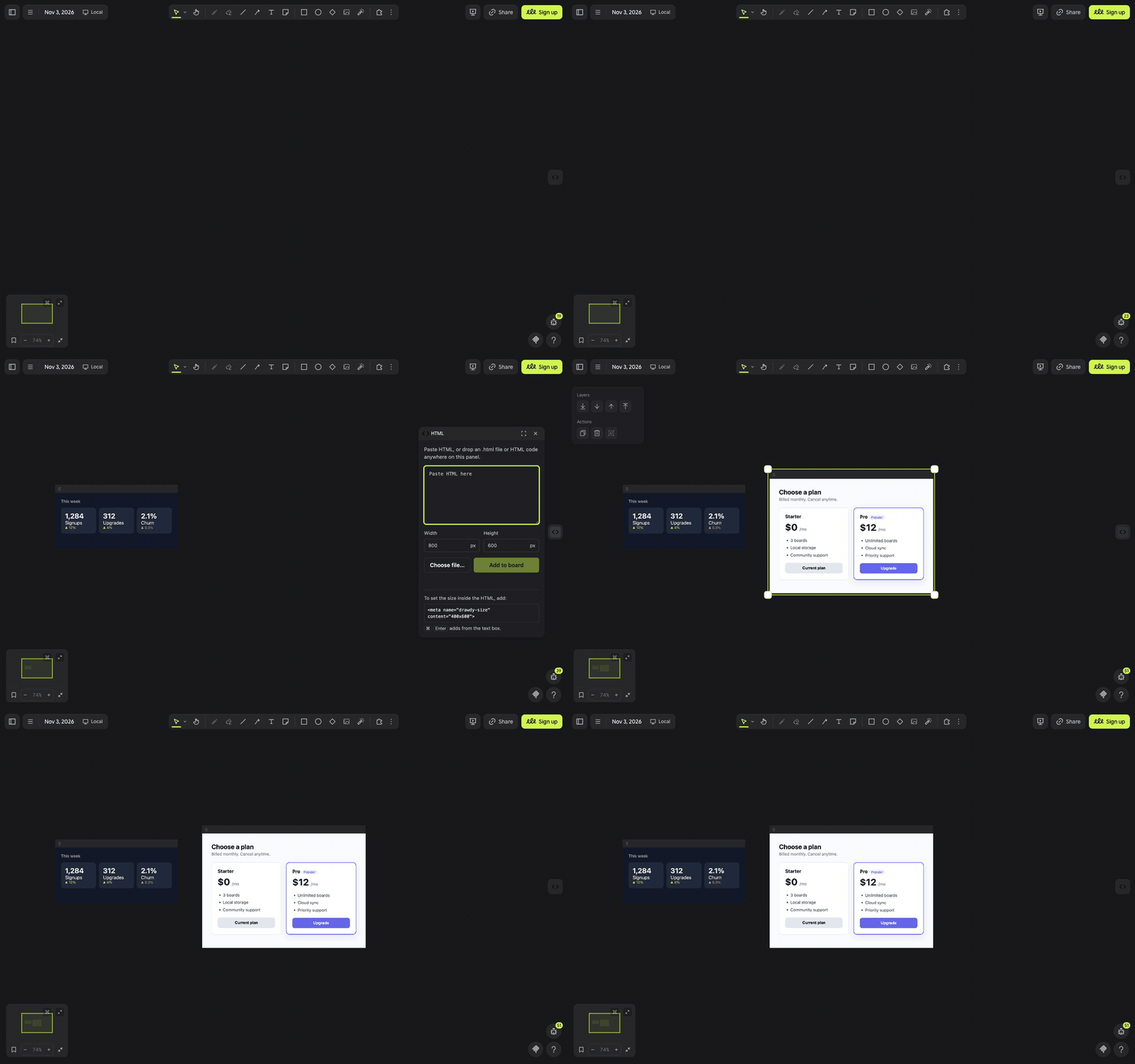
Paste HTML. Copy any HTML (a fragment like <form>…</form> or a full document), point at the board and press Cmd+V / Ctrl+V. It turns into a live wireframe with its top-left corner at your cursor.
- Default size is 800×600. To set your own, put
<meta name="drawdy-size" content="400x600">anywhere in the HTML. - Fragments get a white page behind them; full documents keep their own styles.
- Text that starts with a tag and ends with a closing tag is treated as HTML. To paste HTML source as plain text, disable the extension first.
Panel. Click the </> button on the right edge of the board (or right-click → Extension → Open HTML panel).
- Paste HTML into the text box and press Add to board (or ⌘/Ctrl + Enter).
- Or drag an
.htmlfile or selected HTML code anywhere onto the panel; a drop area appears while you drag. Choose file… opens a file picker. - The wireframe appears in the middle of your view, using the Width and Height fields unless the HTML has a
drawdy-sizemeta tag.
Move a wireframe by dragging the grip bar (⠿) along its top edge.
Status
Early build. Next: editing a wireframe's HTML after it is placed.
Credits
Built with the Drawdy extension SDK.