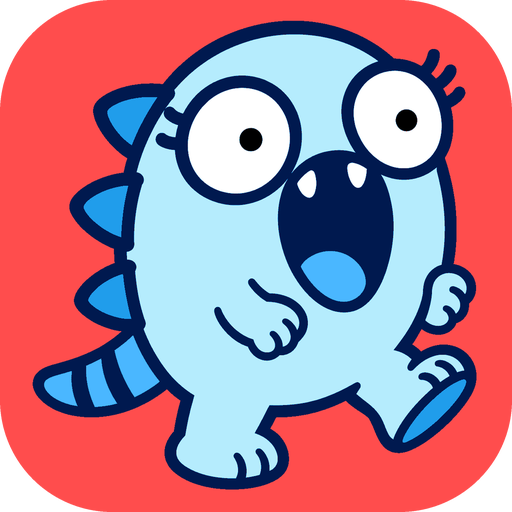
Kaiju Button
Press the button and let a kaiju stomp across your board. It walks across your view leaving footprints, every stomp jolts the view and knocks nearby elements flying, and a last roar shakes everything. Only you see it and nothing on the board changes: after about nine seconds every element is back where it was. Press the button again or Escape to stop it early.

Kaiju Button
A button just for fun. Press it and a kaiju stomps across your Drawdy board: the view shakes, footprints appear and your notes go flying. After a last roar, everything snaps back exactly where it was.
What it's for
- A quick laugh in a long working session.
- An icebreaker when you share your screen in a workshop or a demo.
- Showing a friend that a whiteboard can have a sense of humour.
How to use
- Find the kaiju button with the board's action buttons on the right.
- Press it. The kaiju walks across your view from left to right, leaving a footprint at every step.
- Every stomp jolts the view and knocks nearby elements away. A last roar shakes everything once more.
- After about nine seconds, everything goes back where it was and the footprints disappear.
- To stop it early, press the button again or press Escape.
Is my board safe?
Yes. Nothing on your board changes.
- Only you see the kaiju. It plays on your screen, so collaborators see nothing unless you share your screen.
- Elements move only on your screen. Nothing is saved, synced to others or added to undo, and every element is back in place when it ends.
- It moves up to 150 elements near its path. Frames and grouped elements stay still.
- Switching to another board stops the rampage.
Privacy
- Nothing loads from the network. The kaiju comes with the extension.
Credits and licence
- The extension's code is MIT. The kaiju is Drawdy's blue mascot and is not covered by the MIT licence.
- Building it yourself? See DEVELOPMENT.md.